

Manage Team
DoveRunner Mobile App Security account module helps user to maintain all account related activities like managing your own profile, view or add team members, manage your organization account and many more, each seperated in different tab sections.
To view ADC Accounts (console) :
- Open the DoveRunner console at https://console.doverunner.com
- Login with DoveRunner Mobile App Security account credentials
- In the navigation pane, choose ‘Organization’
Contents
Team Member
Section titled “Team Member”DoveRunner Mobile App Security supports organizational accounts where multiple team members can operate same account for using services like Real Time Streaming, Hacking Dashboards, Sealing Services. With help of team members all billings will be included to administrative account which will help users by avoiding multiple card registrations, account maintainance, etc.
View Members
Section titled “View Members”You can view members from your organization who has access to ADC console.
To View Members in your organization:
- Login to console
- Click on “Accounts” -> “Team Members”
By default page will show all members in list which contains user name, email address, joining date and any comments added to him. Filters can be applied by providing queries in top section and by clicking “Search” button next to it.
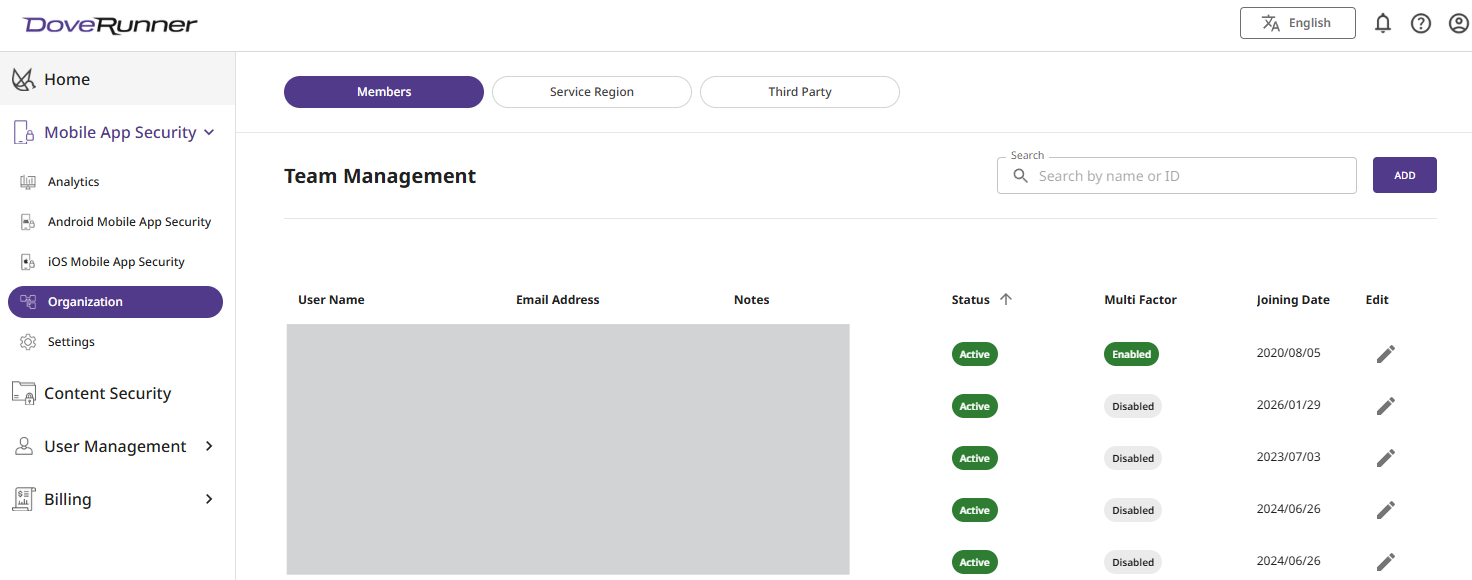
Invite Members
Section titled “Invite Members”Existing ADC Account member can invite new/existing DoveRunner Mobile App Security users to add into organizational account from Manage Accounts section.
To View Members in your organization:
- Login to console
- Click on “Accounts” -> “Team Members”
- Click on “Invite”
- Enter “Team Member Email Address” and click on “Invite”
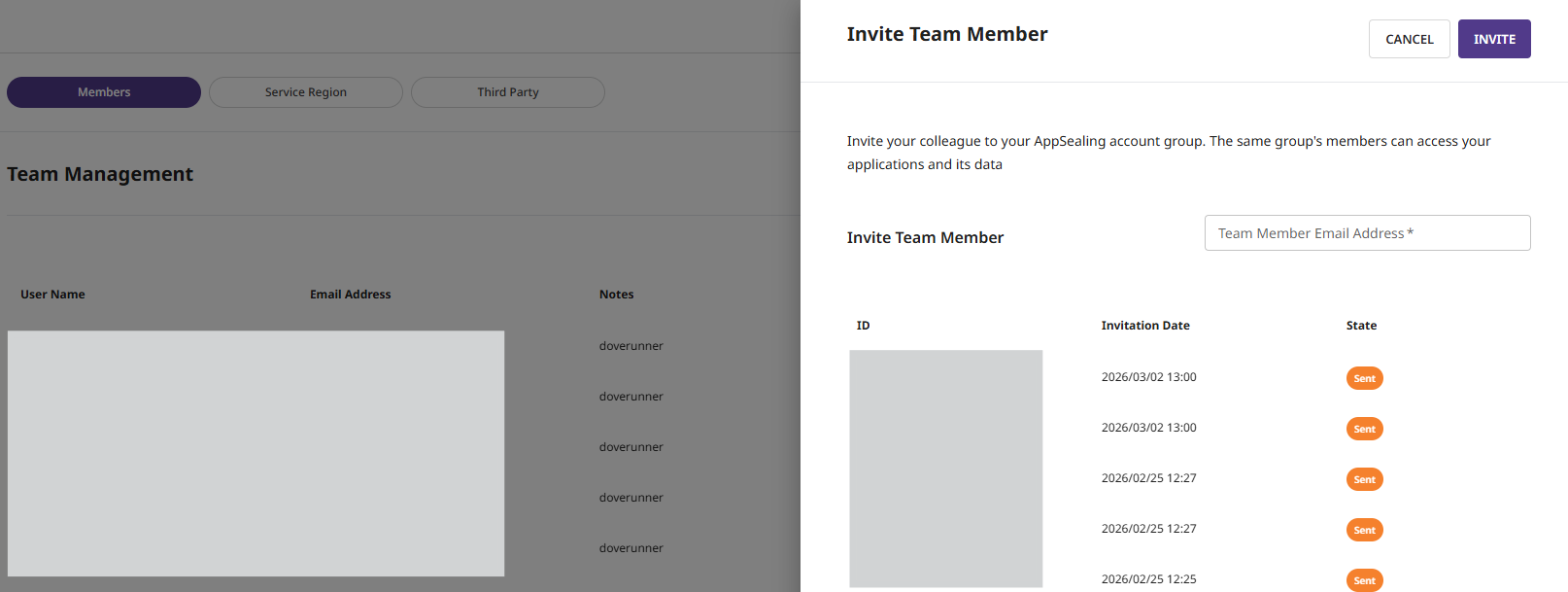
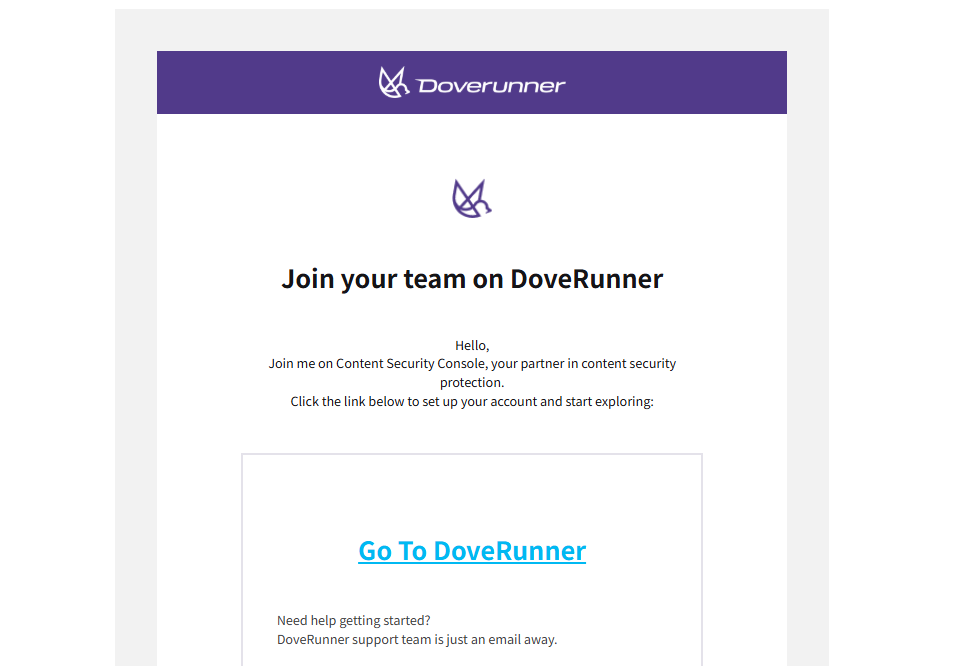
Once invited team member will receive confirmation mail within 10mins as below based on whether invited member is new or existing DoveRunner Mobile App Security user
For New User
- If invited member is new user, he will need to perform the signup process steps mentioned in ADC SignUp
- Once clicked on SignUp link user will be redirected to ADC Console for setting new account
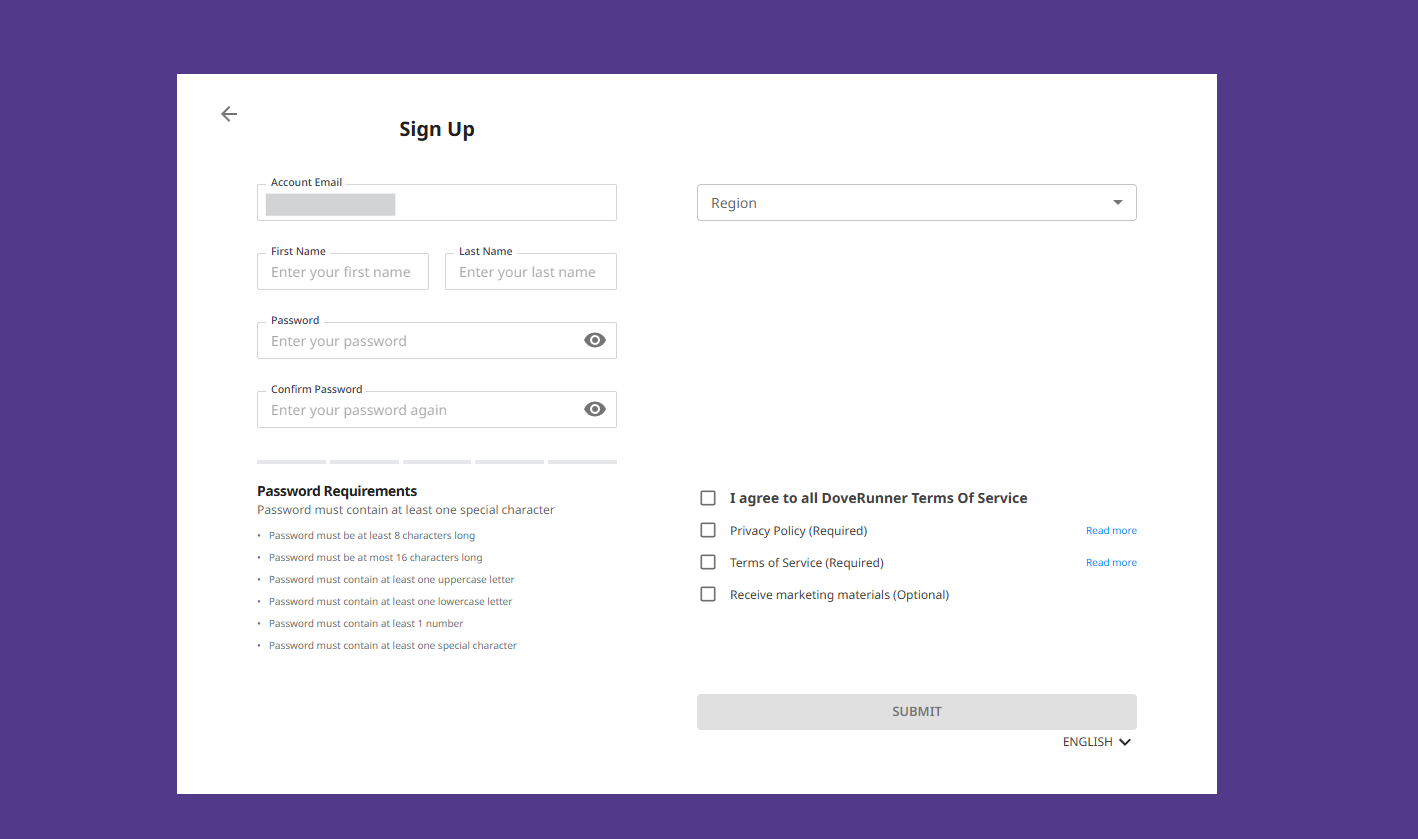
For Existing DoveRunner Mobile App Security User
- To invite existing account under your group, administrator can raise ticket on DoveRunner Mobile App Security Helpdesk Center or write us at support@appsealing.com